

Key Takeaways:
- A successful office IT setup starts long before installation—it depends heavily on clear planning, understanding business needs, and evaluating the physical workspace to avoid costly mistakes later.
- Designing the system properly from the start is critical, treating the infrastructure like a connected ecosystem where networking, servers, storage, and devices all work together seamlessly.
- Reliable connectivity is the backbone of everything, so choosing strong internet service, proper cabling, and well-structured internal networks is essential for stable daily operations.
- Standardized hardware and well-integrated software tools help reduce compatibility issues, improve productivity, and make long-term IT management much easier.
- Security must be built in from day one, not added later, with layered protections like firewalls, encryption, and access controls combined with clear internal policies.
- Careful coordination during setup and relocation ensures minimal disruption, especially when timing installations and migrations to keep downtime as low as possible.
- Proper testing, employee onboarding, and documentation are just as important as installation, because they ensure the system actually works in real-world conditions and remains maintainable as the business grows.
Setting up IT infrastructure in a new office is one of those tasks that looks simple on paper but quickly becomes complex in real life. You’re not just moving computers from one place to another. You’re building the digital backbone of your entire business from scratch or reworking it in a completely new environment.
A strong IT setup for a new office affects everything—how fast your team works, how secure your data is, how smoothly communication flows, and how quickly your business can recover from unexpected disruptions. If done right, employees barely notice the technology; it just works. If done poorly, even small issues like slow internet or unreliable systems can create constant frustration.
This guide breaks down the entire process step by step, from planning and infrastructure design to installation, testing, and long-term optimization. Whether you’re a small business moving into your first office or a growing company upgrading to a larger space, the goal is the same: build a reliable, scalable, and efficient IT environment that supports your growth.
What Should You Do Before Setting Up Office Technology?
Before touching any cables or hardware, you need a solid foundation. This stage is all about planning and making sure you don’t run into expensive surprises later. Start by clearly defining your business requirements. This helps you avoid overbuilding or underbuilding your IT environment.
Assess your business needs:
- How many employees will use the system daily?
- What software tools are essential for day-to-day operations?
- Are you relying more on cloud platforms, local servers, or a hybrid setup?
- What level of data security does your industry require?
- Will your team include remote or hybrid workers?
Once that’s clear, move on to evaluating the physical office space. The environment you’re moving into will heavily influence your setup.
Evaluate the new office space:
- Available internet providers and connection types in the area
- Existing cabling or network infrastructure already in place
- Power supply layout, including backup or generator options
- Office layout (workstations, meeting rooms, server room placement)
This stage is critical because most IT problems don’t come from execution—they come from poor planning. Getting this right early can prevent delays, downtime, and unnecessary costs later on.
How Do You Design an Efficient IT Infrastructure From Scratch?
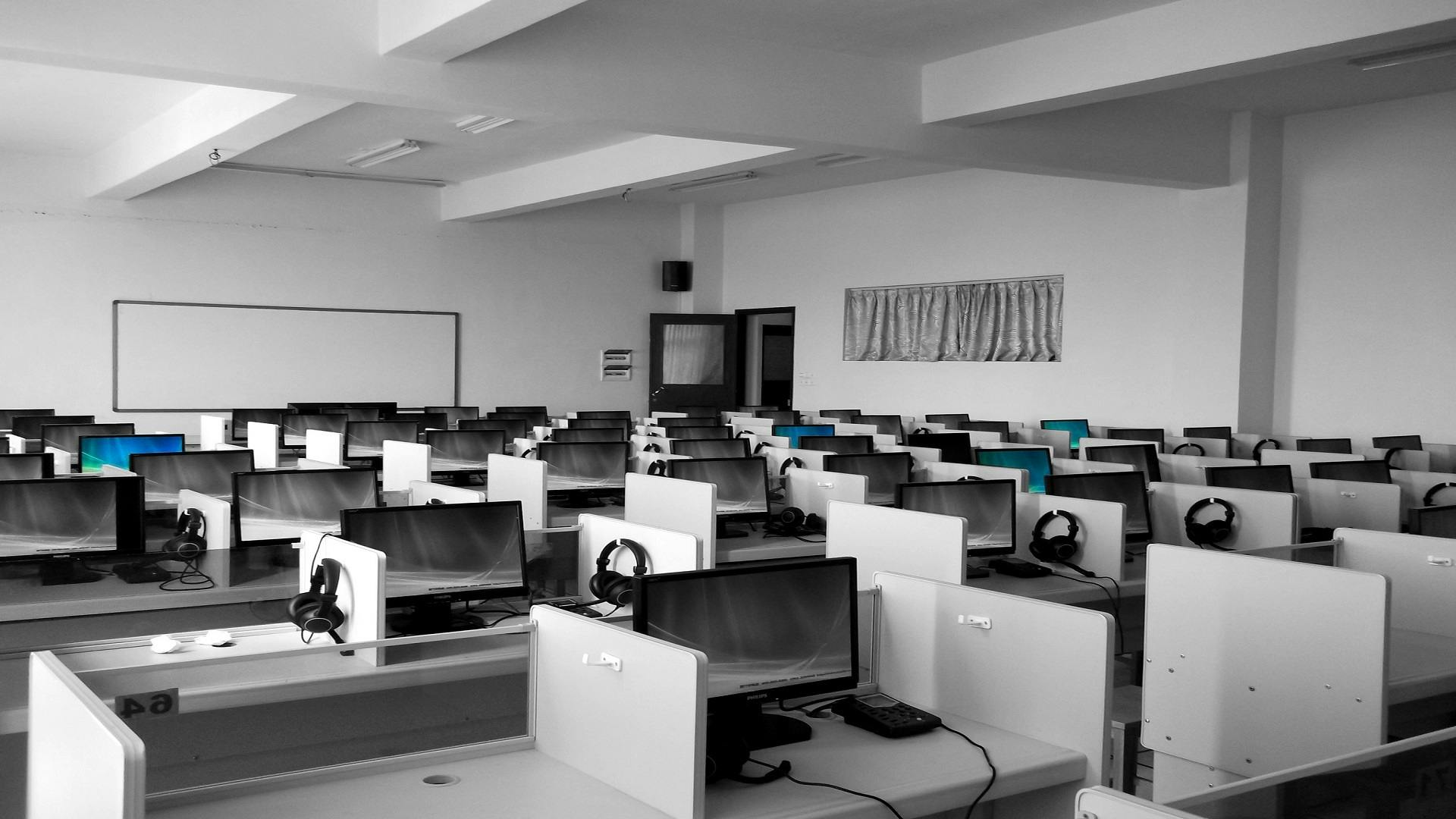
Once you understand your requirements and space limitations, the next step is designing how everything connects and works together.
A helpful way to visualize this is to think of your IT environment as a city:
- Internet connection acts as the highway system
- Network switches function like intersections controlling traffic flow
- Servers are central hubs where data is processed and stored
- Devices like laptops and desktops are the buildings connected throughout the city
With that in mind, you can start mapping out your core infrastructure.
Key components to plan:
- Network architecture (deciding between wired, wireless, or hybrid setups)
- Server environment (on-premise, cloud-based, or a combination)
- Data storage solutions (local drives, NAS systems, or cloud storage)
- Communication tools (VoIP systems, chat platforms, video conferencing tools)
- Backup and disaster recovery systems
A strong design should always be built around long-term stability and flexibility.
What your design should prioritize:
- Fast and consistent performance across all systems
- Scalability as your company grows
- Security built into every layer, not added later
- Ease of maintenance and troubleshooting
At this stage, many businesses also bring in IT consultants or managed service providers to validate the design and catch issues that might not be obvious internally.
What Internet and Network Setup Works Best for a Modern Office?
Your internet connection is the backbone of your entire IT system. If it’s unstable, everything else suffers—even the most advanced hardware and software.
When selecting internet for a new office, it’s important to think beyond just speed.
What to look for in business internet:
- Fiber internet for reliable high-speed performance
- Redundant connections from multiple providers for backup
- Business-grade service level agreements (SLAs) for guaranteed uptime
- Dedicated bandwidth rather than shared consumer-grade plans
Once internet is secured, internal networking becomes the next priority.
Core network setup elements:
- High-quality routers and enterprise-grade firewalls
- Managed switches to control and prioritize network traffic
- Structured cabling using Cat6 or Cat6a for stability and speed
- Strategically placed Wi-Fi access points for full office coverage
There are also common mistakes businesses make at this stage that can cause long-term issues.
Mistakes to avoid:
- Relying only on Wi-Fi without wired connections as backup
- Underestimating how much bandwidth employees actually need
- Ignoring network segmentation, which can expose security risks
A well-designed network ensures your team stays connected and productive even during peak usage hours or unexpected traffic spikes.
How Do You Choose the Right Hardware and Devices?
Hardware is often where businesses either overspend or underspend. The goal is to strike a balance between performance, reliability, and future scalability.
Your setup typically includes more than just computers.
Essential hardware components:
- Desktop computers or laptops for employees
- Servers or cloud-based infrastructure for data and applications
- Networking equipment such as routers, switches, and firewalls
- Printers, scanners, and other office peripherals
- UPS systems to protect against power interruptions
Choosing the right devices requires looking at both current needs and future growth.
What to consider when selecting hardware:
- Performance requirements for each department or role
- Warranty coverage and availability of technical support
- Upgrade potential for future expansion
- Energy efficiency for long-term cost savings
- Standardization across all devices to simplify maintenance
Standardizing equipment across the office makes IT support significantly easier and reduces downtime when issues occur.
How Should Software and Tools Be Integrated Effectively?
Once your hardware foundation is in place, software becomes the layer that brings everything to life. This is where daily productivity is actually shaped.
Most businesses rely on a combination of essential software categories.
Core software systems include:
- Operating systems and device management tools
- Productivity suites for documents, spreadsheets, and presentations
- Communication tools like email, chat, and video conferencing platforms
- Project and task management systems
- Cybersecurity software such as antivirus and endpoint protection tools
- Cloud storage and collaboration platforms
However, software only works well when it is properly integrated.
Best practices for smooth integration:
- Use centralized identity management such as single sign-on systems
- Ensure all tools are compatible and work well together
- Set up role-based access control to protect sensitive data
- Automate updates and patch management wherever possible
Poor integration often leads to duplicated work, scattered files, and security vulnerabilities that are hard to detect early.
Why Is Data Security Critical in a New Office Setup?
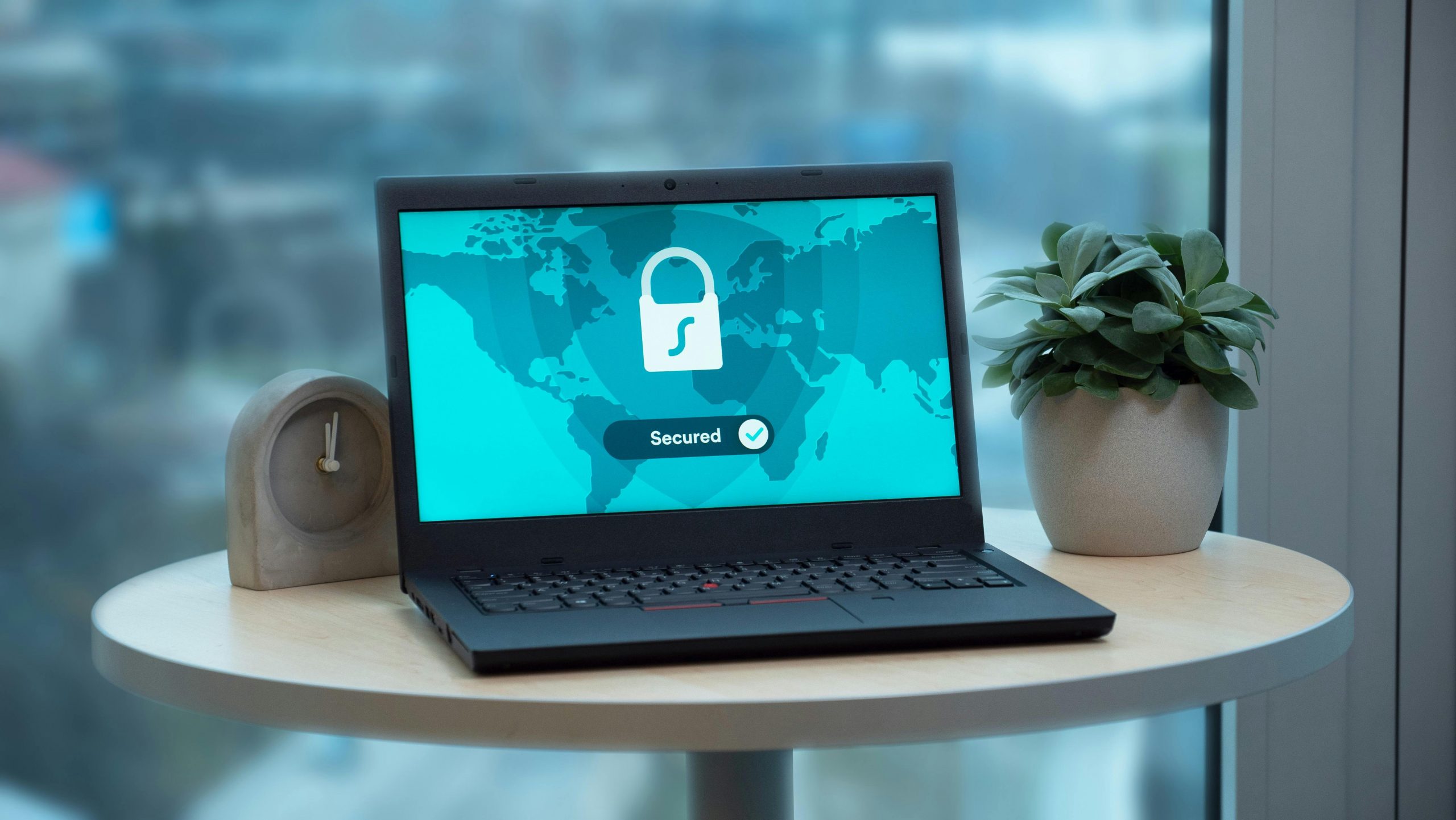
Security is one of those things that is easiest to implement at the beginning but hardest to fix later. A new office setup is the perfect opportunity to build strong protection from the ground up.
Security should be layered, not dependent on a single tool.
Key security measures include:
- Firewalls to prevent unauthorized access to the network
- Endpoint protection on all company devices
- Encrypted communication channels for sensitive data
- Multi-factor authentication for all logins
- Secure Wi-Fi networks with separate guest access
- Regular automated and manual data backups
Beyond tools, policies are equally important.
Security policies to establish early:
- Strong password requirements and rotation rules
- Clear device usage guidelines for employees
- Defined data access permissions based on roles
- Incident response procedures in case of breaches
A properly secured system doesn’t just protect data—it protects business continuity, client trust, and long-term reputation.
How Do You Ensure Smooth Coordination During Office Relocation?
This is where technology and logistics intersect. Coordinating IT systems during a move requires careful timing and communication between teams.
A smooth transition often includes:
- Detailed migration timeline
- Inventory of all IT assets
- Pre-configured systems before moving day
- Backup copies of all critical data
- Temporary work-from-home setup during transition
At this stage, many companies aim for a seamless office relocation by aligning IT readiness with physical move-in schedules, ensuring employees can resume work almost immediately after setup.
Common challenges during this phase:
- Internet installation delays
- Misconfigured network settings
- Missing equipment or cables
- Unexpected compatibility issues
Proper coordination minimizes downtime and avoids last-minute chaos.
How Do You Physically Install and Configure Systems?
Once the planning phase is complete, it’s time to move into execution. This is where the IT setup for a new office becomes real—hardware gets installed, networks go live, and systems start taking shape. It’s also the phase where small mistakes can quickly turn into major issues if there’s no structure in place.
A smooth installation process depends on following a clear sequence and avoiding rushed decisions. Everything should be deployed in a logical order so that testing and troubleshooting remain manageable.
What Happens During the Installation Phase?
At this stage, the focus is on physically building the infrastructure and bringing all components together. It typically starts with the core network setup before moving outward to individual workstations.
Typical installation steps include:
- Setting up structured cabling across the office to ensure stable connectivity
- Installing network racks, servers, and central hardware systems
- Configuring routers, switches, and wireless access points
- Deploying desktops, laptops, monitors, and essential peripherals
- Connecting all devices to the network and verifying access
- Installing operating systems, applications, and required business software
Each of these steps builds on the previous one, so skipping ahead often leads to avoidable rework.
How Do You Ensure Everything Is Installed Correctly?
Beyond just plugging in equipment, proper configuration and consistency are what make the system reliable in the long run. This is where discipline and standardization matter most.
Best practices during installation:
- Label all cables, ports, and network points clearly to simplify troubleshooting later
- Follow a standardized setup process for every workstation to maintain consistency
- Test each device and workstation before moving on to the next one
- Ensure network connectivity is stable before installing additional software layers
- Document configurations, IP assignments, and device mappings for future reference
Why Is Structured Installation So Important?
A well-organized installation process reduces downtime, improves system stability, and makes long-term maintenance much easier. When everything is documented and standardized, troubleshooting becomes faster and scaling the system later is far less complicated.
Attention to detail during this phase often determines how smooth or problematic the entire IT environment will be once the office becomes fully operational.
How Do You Test and Troubleshoot the Entire IT System?
Testing ensures everything works as expected before employees fully depend on the system.
Key testing areas:
- Internet speed and stability
- Wi-Fi coverage across the office
- Internal network performance
- Printer and device connectivity
- Software accessibility and permissions
- Security system functionality
Troubleshooting checklist:
- Identify bottlenecks in network traffic
- Check for IP conflicts
- Verify firewall rules
- Test backup and recovery systems
- Ensure all user accounts are functioning correctly
Testing should simulate real-world usage conditions, not just ideal scenarios.
How Do You Onboard Employees to the New System?
Even the best IT setup fails if employees don’t know how to use it properly.
Effective onboarding includes:
- Basic training on new systems and tools
- Access credentials and login instructions
- IT support contact information
- Documentation or quick-start guides
- Security awareness training
Helpful onboarding tips:
- Keep instructions simple and practical
- Provide visual guides where possible
- Offer short training sessions instead of long lectures
- Encourage feedback during the first weeks
A smooth onboarding process helps employees adapt quickly and reduces support requests.
How Do You Maintain and Scale Your IT System Over Time?
IT setup is not a one-time task. It requires ongoing maintenance and future planning.
Ongoing maintenance tasks:
- Regular software updates and patches
- Hardware performance monitoring
- Network security audits
- Data backups and recovery tests
- Replacement of outdated equipment
For scalability, consider:
- Cloud-based infrastructure expansion
- Modular hardware upgrades
- Flexible network capacity
- Adding new access points for growing teams
A well-maintained system grows with your business instead of holding it back.
What Are the Most Common Mistakes to Avoid?
Many IT setups fail not because of lack of resources, but because of avoidable mistakes.
Common pitfalls include:
- Skipping the planning phase
- Underestimating bandwidth requirements
- Ignoring cybersecurity
- Poor cable management
- Lack of documentation
- Not testing before full deployment
Avoiding these mistakes can significantly reduce downtime, costs, and frustration.
In Summary
A successful IT setup for a new office is more than just plugging in devices and connecting to the internet. It’s a carefully planned process that combines infrastructure design, hardware selection, software integration, security, and long-term scalability.
When each step is executed properly, the result is a workplace where technology supports productivity instead of slowing it down. Employees stay connected, data remains secure, and systems run smoothly without constant interruptions.
In the end, a well-executed IT foundation becomes one of the strongest assets your business can have, supporting both daily operations and future growth with confidence.